Sports & coaching camps / Forms & preparation
Find the missing details before camp starts.
Keep requested forms with the registration. See what is still due and give people a place to find their forms in their account.
The demo needs no sign-up or card. It is your own practice camp.
A few clear steps
Here’s how to do it.
Choose the forms you need
Review Forms and waivers in the camp template. Ask only for information your team needs to run this camp.
Review the requests
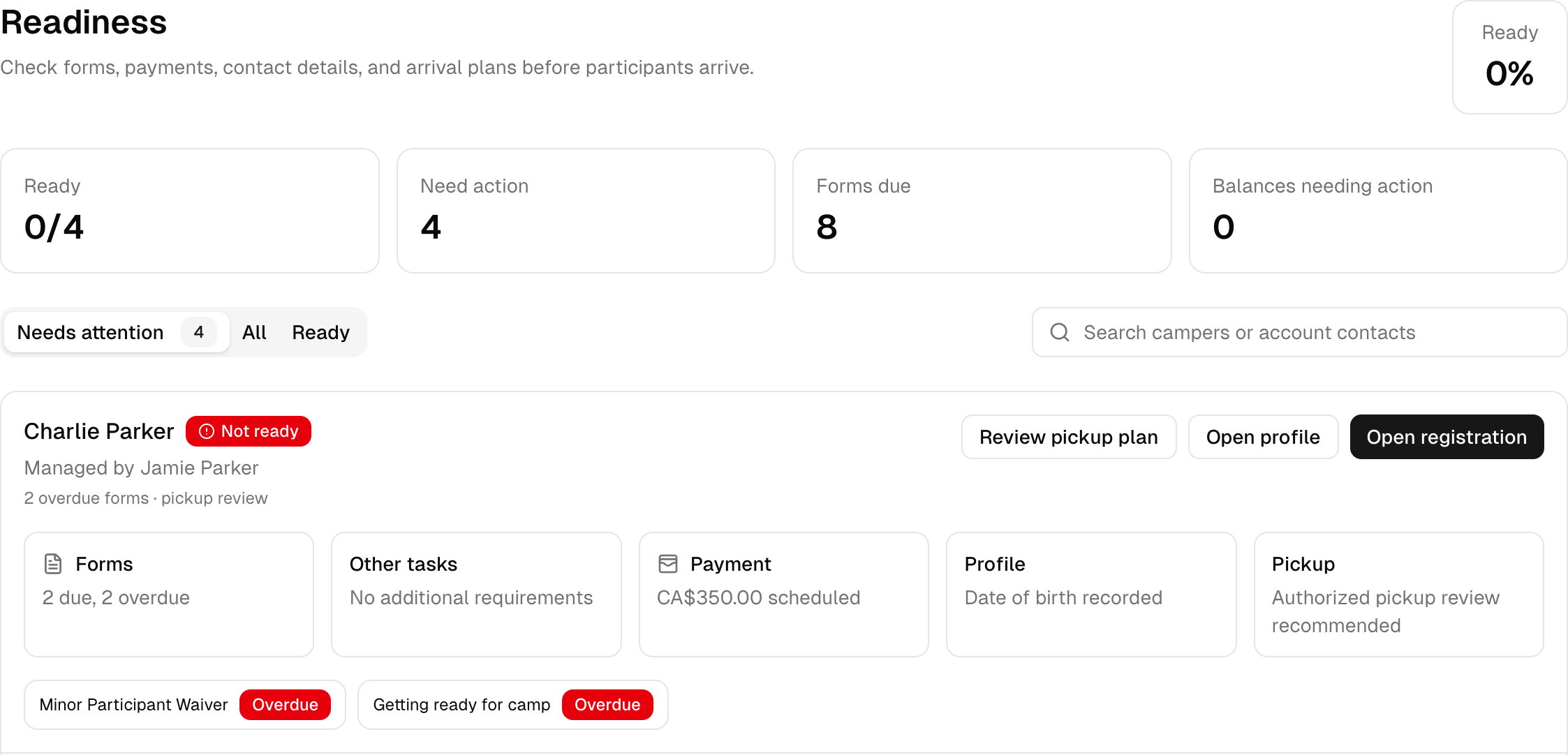
Open the camp, then Get ready and Readiness to see form status. The roster also highlights outstanding requests beside each participant.
Check the account view
Open the family or participant demo account and choose Forms & Waivers to see the requests from their side.
Try it with Next Play Sports Camp
Read it. Then try it yourself.
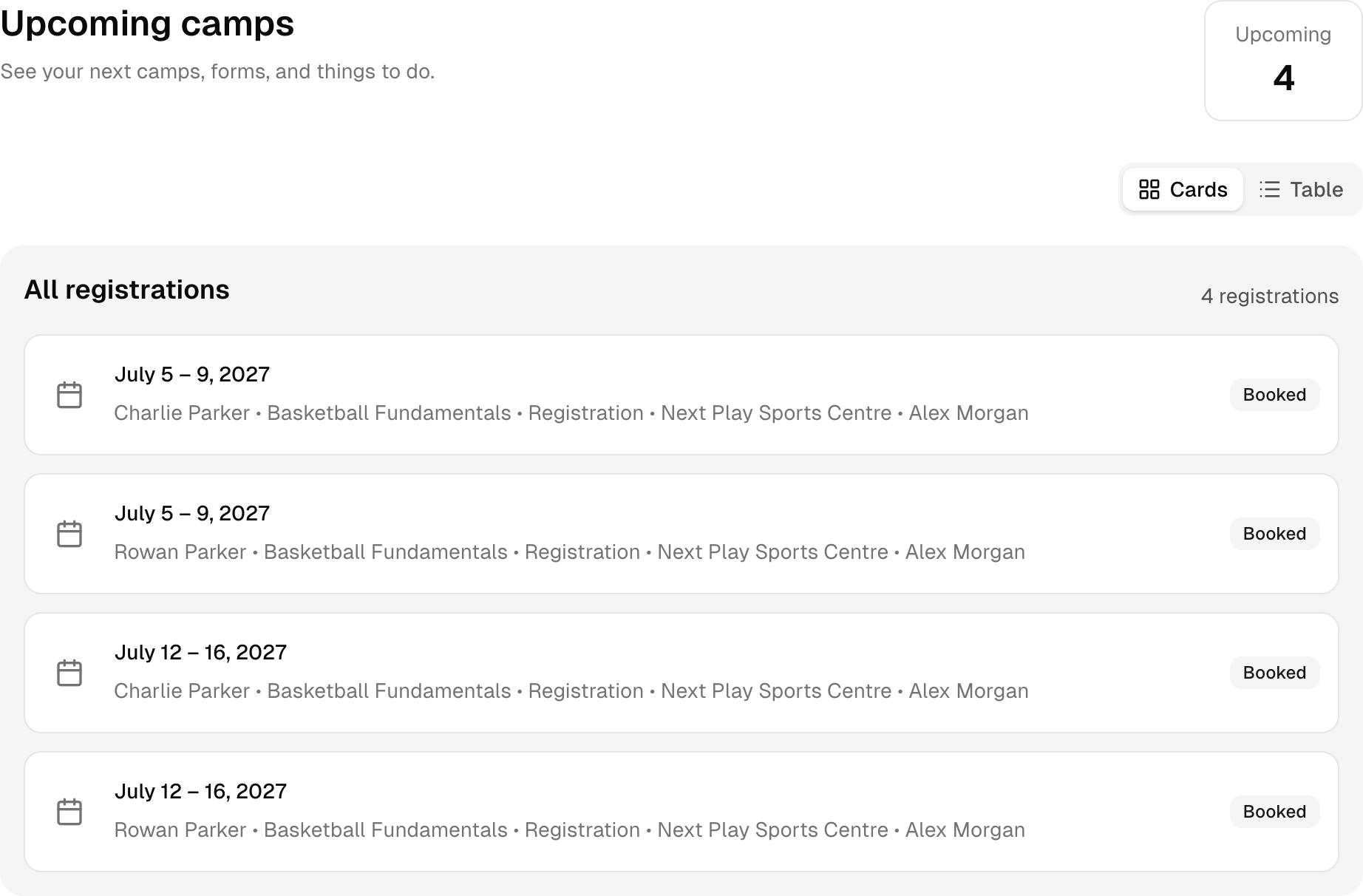
Review the requests for Basketball Fundamentals, then check the family account to see where the person booking finds them.
This is a fictional camp with sample people and bookings. Your demo expires after 24 hours.