Overnight camps / Reusable camp templates
Set up a good camp once. Use it again.
Keep the name, age rules, price and booking settings in a camp template. Use that template when you add another set of dates.
The demo needs no sign-up or card. It is your own practice camp.
A few clear steps
Here’s how to do it.
Open Camp templates
In the camp dashboard, open Camp settings, then Camp templates. Choose an existing template or Add Camp.
Set the rules
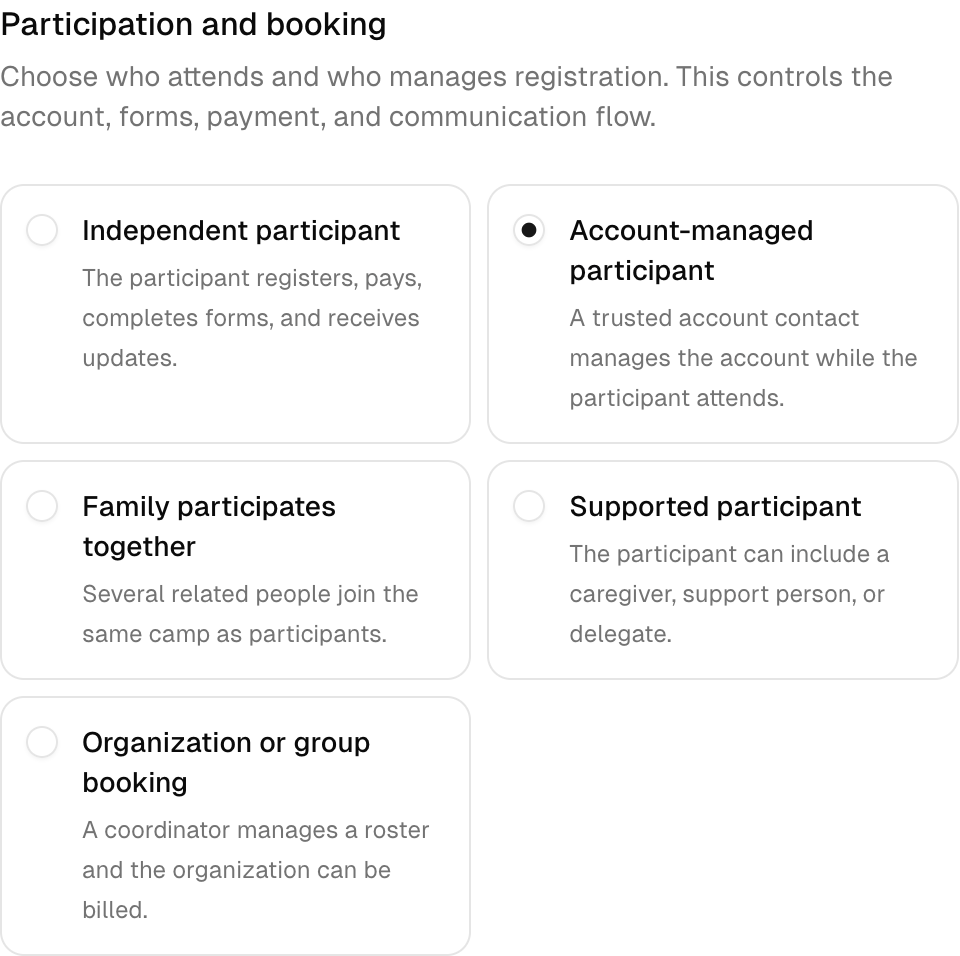
Choose the camp type and who attends. Set the age range, camp length, capacity and price. Review the forms and payment settings too.
Add a dated camp
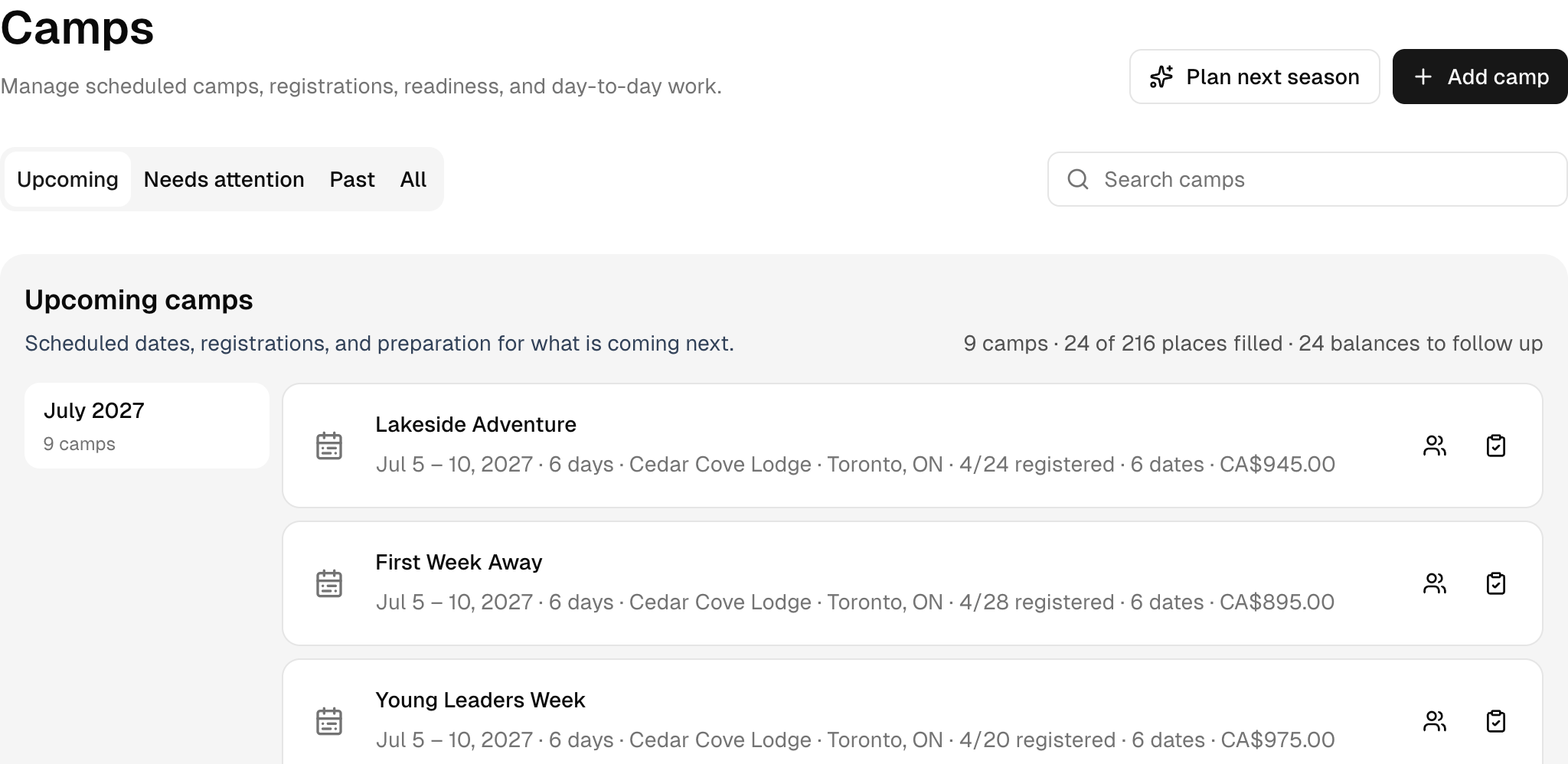
Save the template. Return to Camps and choose Add camp to create the dates people can book.
Try it with Cedar Cove Camp
Read it. Then try it yourself.
Build First Week Away as a reusable template. Its sample price is $895 CAD per person, with 28 places.
This is a fictional camp with sample people and bookings. Your demo expires after 24 hours.