Faith & community camps / Family & participant accounts
One place to come back to.
Give people an account where they can find their camp bookings, people and requested forms.
The demo needs no sign-up or card. It is your own practice camp.
A few clear steps
Here’s how to do it.
Open the account demo
Choose Family account or Participant account in the demo controls. The sample account is already signed in.
Find an upcoming camp
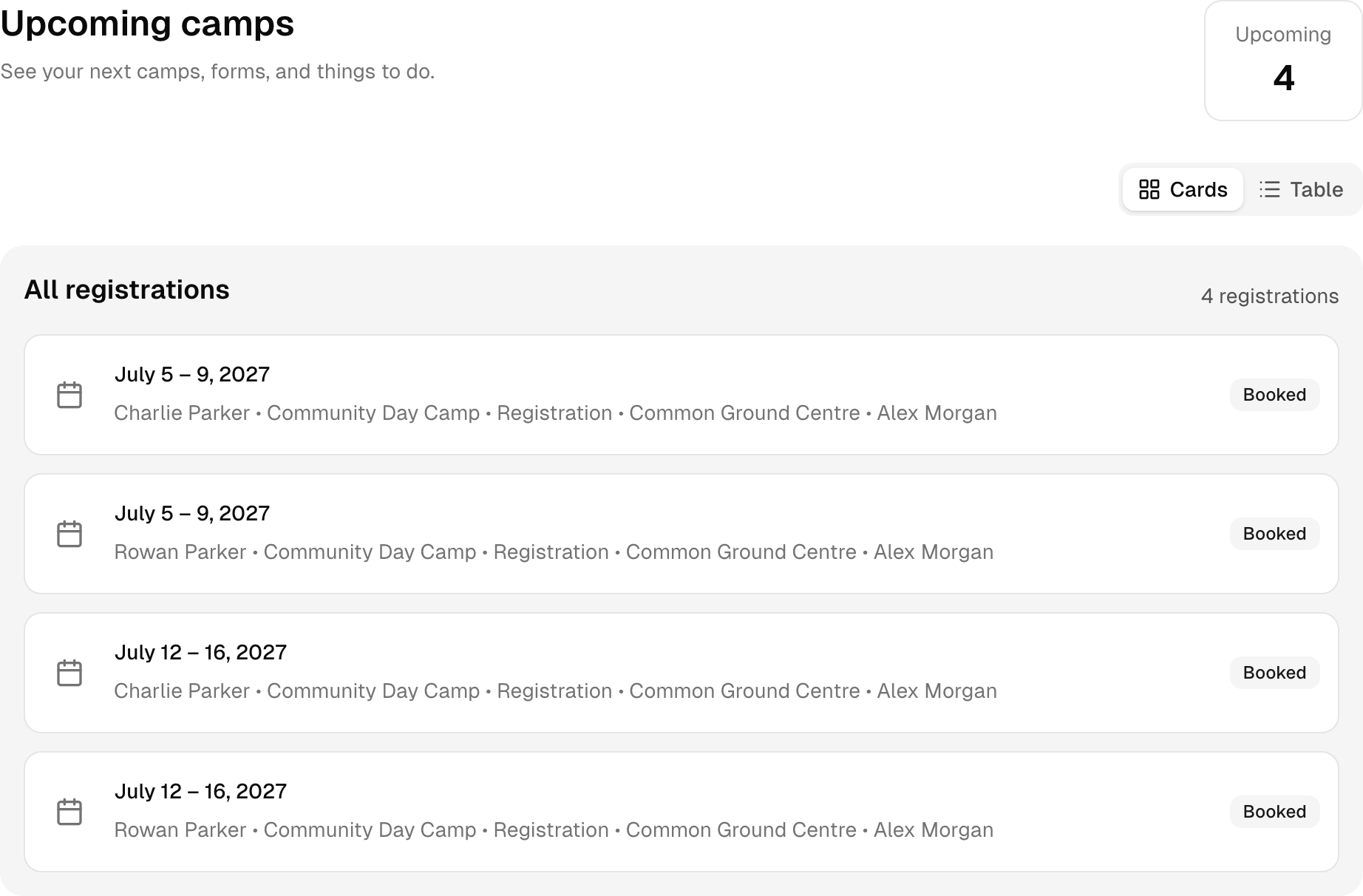
Open Upcoming camps to see the prepared registrations. Choose a booking to read its dates and details.
Find the next task
Look in Forms & Waivers for requested forms. In a family account, People keeps the people managed by that account together.
Try it with Common Ground Camp
Read it. Then try it yourself.
In Common Ground Camp, Jamie Parker manages the sample account. Open it to see camp bookings and the people linked to the account.
This is a fictional camp with sample people and bookings. Your demo expires after 24 hours.